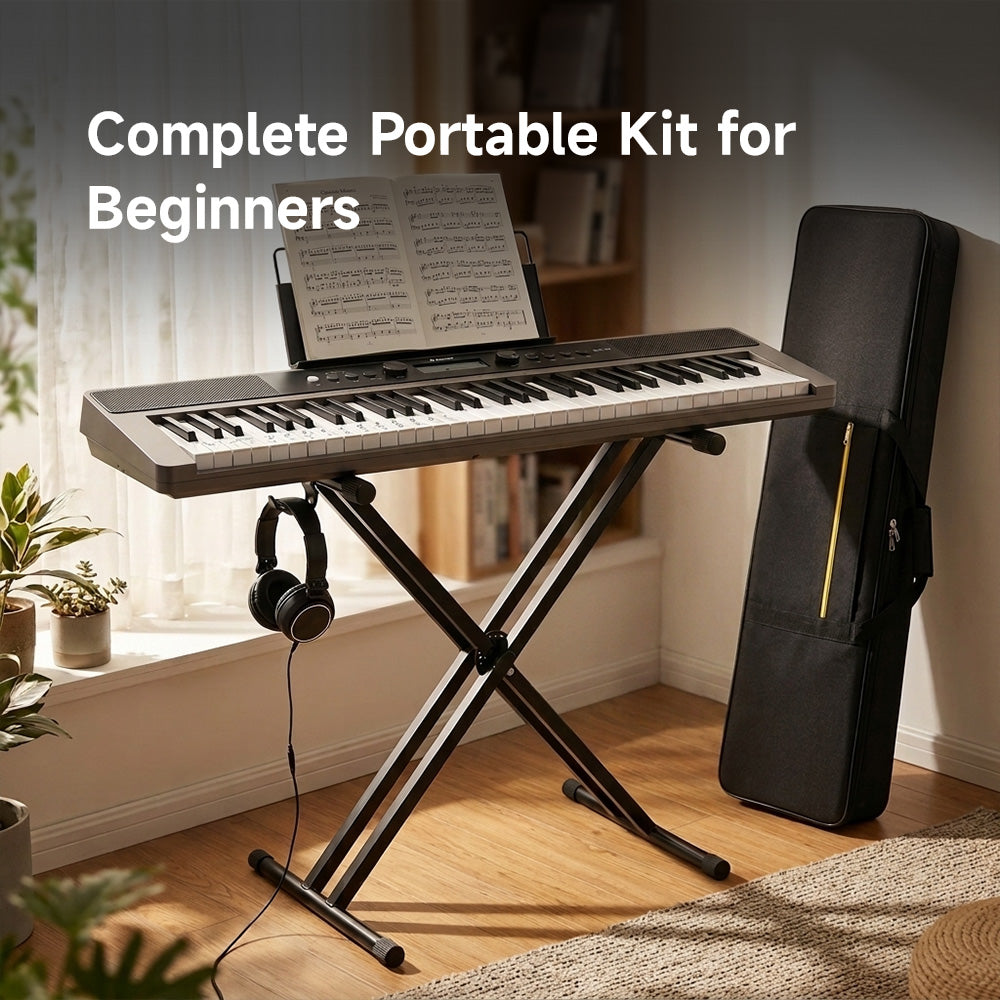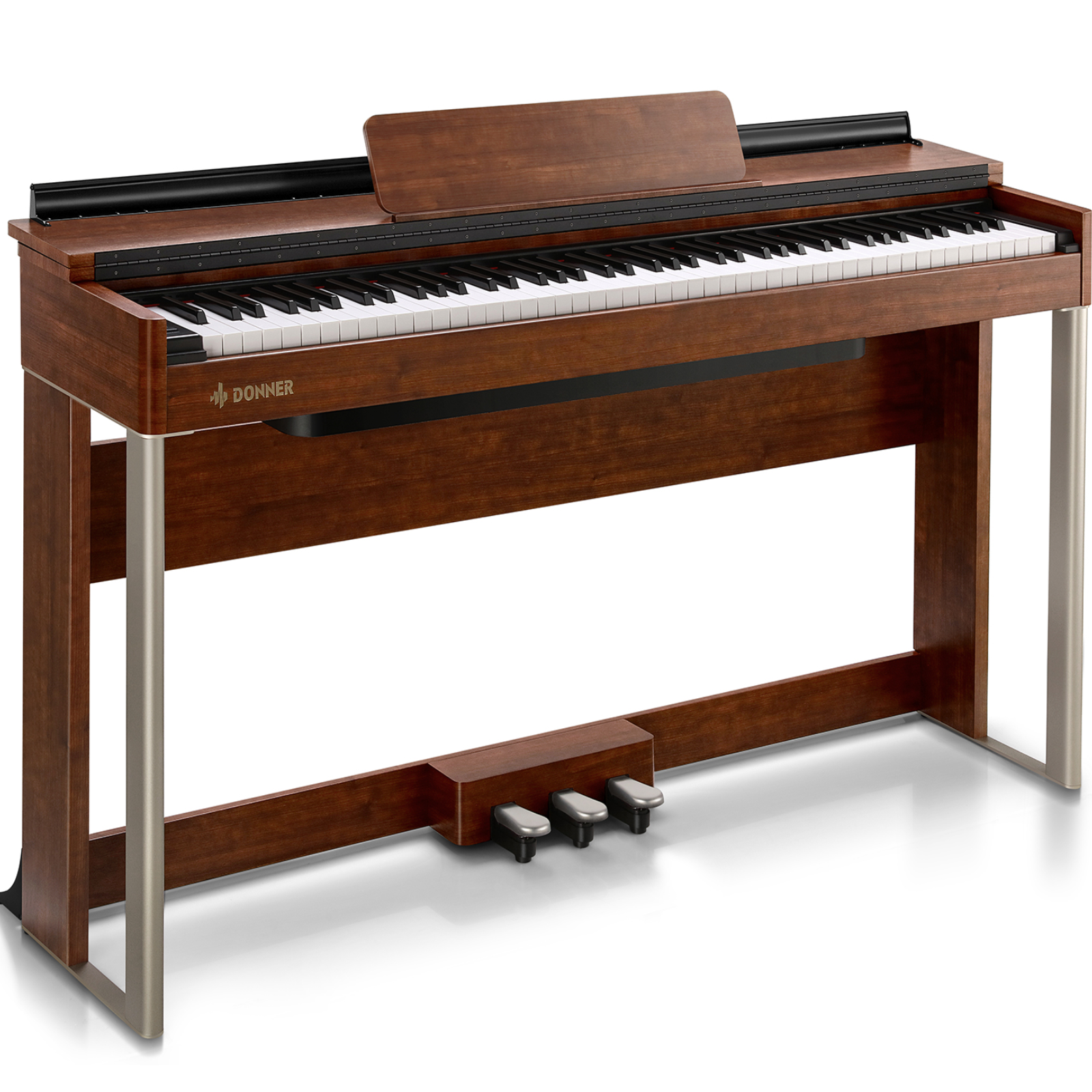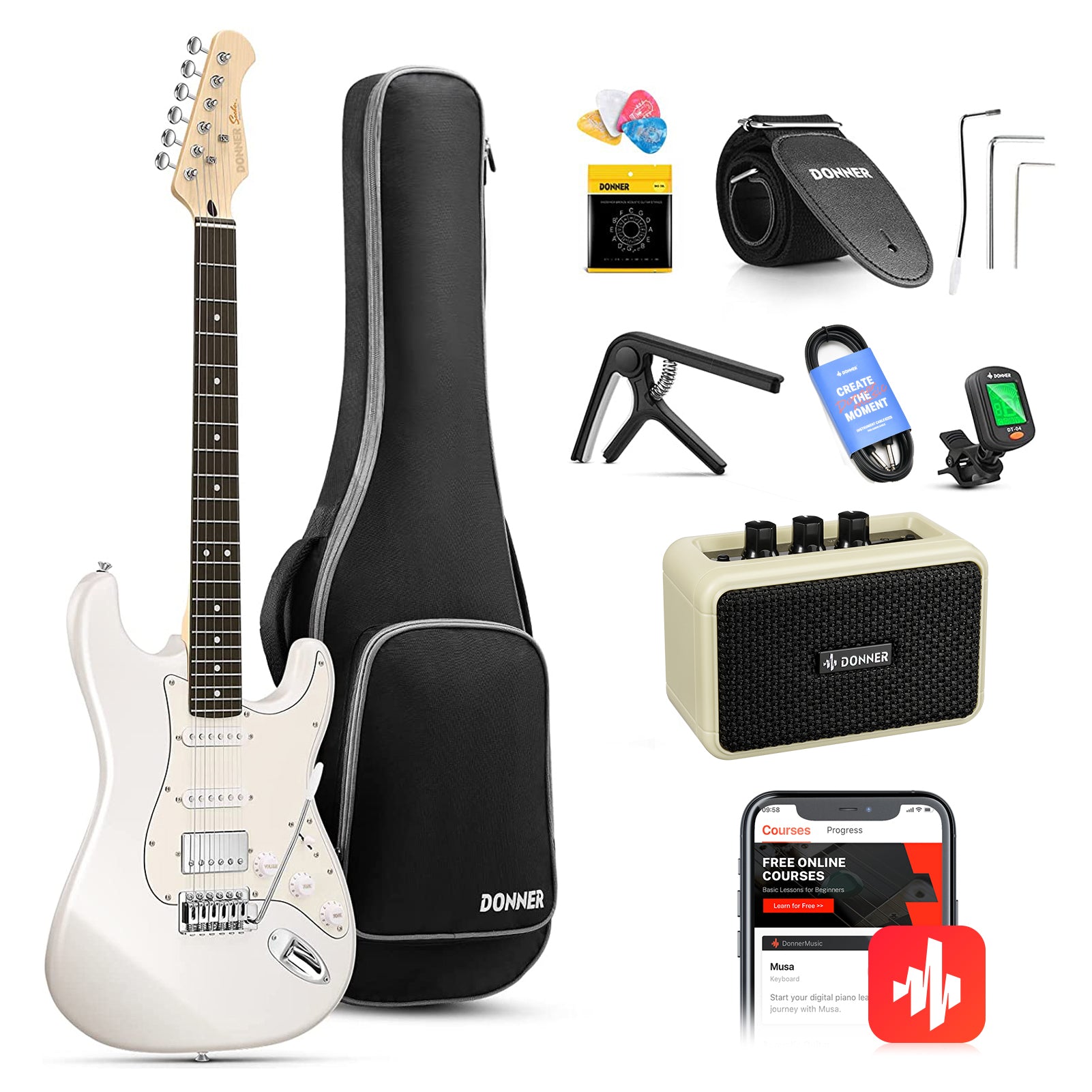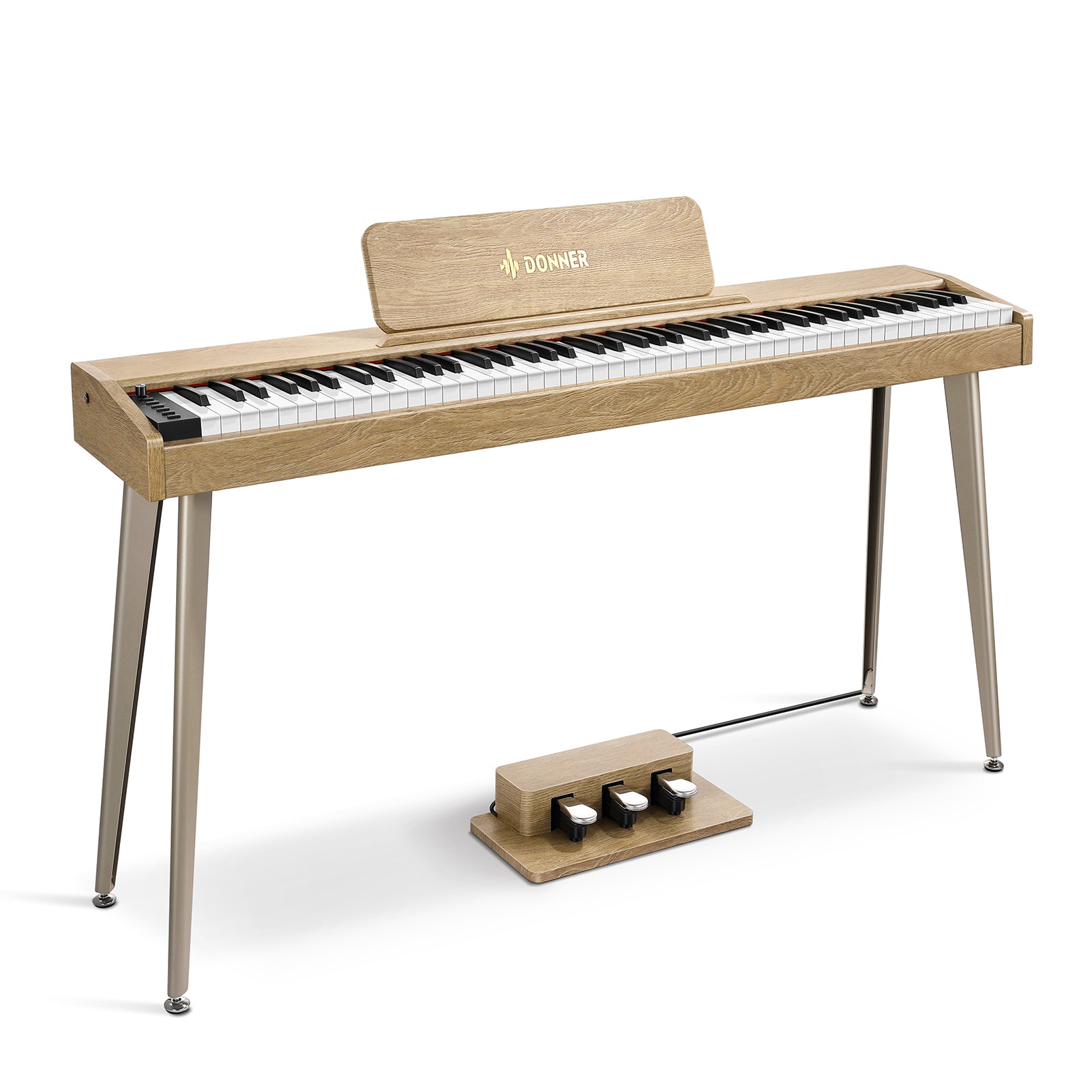





Les Donner SD-15 et DEK-60 sont des claviers électroniques portables de 61 touches conçus pour les débutants, les apprentis pianistes et les nouveaux créateurs de musique. Tous deux sont proposés sous forme de kits complets prêts à jouer, incluant un support, une housse de transport, un casque, un pupitre, des autocollants d'apprentissage et un adaptateur secteur.
Ils partagent également de nombreuses fonctionnalités de base utiles : 300 sonorités, 300 rythmes, 61 sons de percussion, des haut-parleurs intégrés, une connexion USB-MIDI, une sortie casque, une entrée AUX, ainsi que des fonctions d'enregistrement et des modes d'apprentissage pour débutants.
La différence réside dans la manière dont vous souhaitez que le clavier réagisse, la façon dont vous pratiquez et votre progression au fil du temps.
Comparaison rapide
| Fonctionnalité | Donner DEK-60 | Donner SD-15 |
|---|---|---|
| Touches | 61 touches style orgue | 61 touches sensibles à la vélocité |
| Écran | LED | LCD |
| Sonorités et rythmes | 300 sonorités, 300 rythmes | 300 sonorités, 300 rythmes |
| Morceaux de démo | 80 | 40 |
| Enregistrement | Enregistrement et lecture | Enregistrement, lecture, programmation et mémoire M1/M2/M3 |
| Prise pédale de sustain | Oui | Non |
| Poids | 3,3 kg | 3,5 kg |
| Dimensions | 915 x 230 x 90 mm | 930 x 250 x 75 mm |
Toucher du clavier : La différence majeure
La plus grande différence entre ces deux claviers électroniques réside dans la sensibilité à la vélocité (touch response).
Le DEK-60 est doté de 61 touches standard type orgue, sans sensibilité à la vélocité. Appuyer sur une touche produit un son constant, que vous pressiez doucement ou fermement. Cela peut être utile pour un débutant qui recherche une expérience de jeu simple et directe.
Le SD-15 dispose de 61 touches sensibles à la vélocité. Le clavier détecte la force avec laquelle vous appuyez et ajuste le son en conséquence. Un toucher léger produit une note plus douce, tandis qu'un toucher plus ferme produit une note plus puissante.
Cela peut sembler être un détail, mais cela change la façon dont l'apprenant peut nuancer une mélodie. Les pianistes souhaitant travailler la dynamique et l'expression apprécieront probablement le SD-15. Il offre une connexion plus étroite entre leurs mains et le son émis par les haut-parleurs.
Pour l'apprentissage des notes de base, des accords et des chansons familières, le DEK-60 reste un clavier pour débutant très compétent. Pour les élèves qui prévoient de consacrer plus de temps au développement de leur technique pianistique, le SD-15 offre une meilleure réactivité au toucher.

Écrans et utilisation quotidienne
Les deux modèles sont conçus pour être accessibles aux nouveaux joueurs, mais utilisent des affichages différents.
Le DEK-60 est équipé d'un écran LED et de commandes rapides pour sélectionner les sons, les rythmes et les fonctions. Sa disposition permet d'accéder facilement aux réglages courants, ce qui convient aux débutants qui veulent s'asseoir et jouer immédiatement.
Le SD-15 utilise un écran LCD. Il affiche clairement les fonctions et réglages en cours pendant que vous jouez. Le clavier comprend également une molette de sélection, ce qui rend la navigation parmi les sonorités, les rythmes et les autres options plus intuitive.
Les deux claviers incluent des commandes de tempo, un métronome, la transposition, le sustain, le vibrato, le mode split et des contrôles d'accompagnement. Vous pouvez lancer et arrêter un rythme, utiliser les fonctions de synchronisation et de remplissage (fill-in), et ajouter des introductions ou des fins à un morceau simple.

Sonorités, rythmes et morceaux de démonstration
Il n'y a aucune différence dans la taille de la bibliothèque sonore principale. Chaque clavier comprend 300 sonorités, 300 rythmes et 61 sons de percussion.
Ces options offrent au débutant bien plus qu'un simple son de piano. Vous pouvez pratiquer une leçon avec un son de piano, puis passer à un son d'orgue, de cordes ou électronique pour varier les plaisirs. Les rythmes sont utiles pour travailler le tempo et rendre l'entraînement aux accords moins répétitif.
Le DEK-60 propose 80 morceaux de démonstration, tandis que le SD-15 en propose 40. Les joueurs qui aiment écouter les morceaux intégrés ou jouer en accompagnement d'exemples préféreront peut-être la collection plus vaste du DEK-60.
Le SD-15 ajoute un mode "dual" qui permet de combiner deux sonorités. Il comprend également une fonction de percussion dédiée. Ces fonctionnalités offrent aux apprenants davantage de possibilités pour expérimenter leurs propres arrangements.
Fonctions d'enregistrement et mémoire
Les deux claviers permettent d'enregistrer et d'écouter vos performances. C'est utile pour vérifier votre rythme, repérer les notes manquées ou sauvegarder une idée musicale avant qu'elle ne s'échappe.
Le SD-15 va plus loin avec des fonctions de programmation et des boutons de mémoire M1, M2 et M3. Ces emplacements de mémoire permettent d'enregistrer une sonorité, un rythme et un tempo sélectionnés, afin de retrouver rapidement une configuration pendant une session de travail.
Gardez à l'esprit que le SD-15 réinitialise ces réglages sauvegardés une fois le clavier éteint. Les boutons de mémoire sont donc à utiliser comme des raccourcis rapides pendant que vous jouez, plutôt que comme un stockage permanent.
Le DEK-60 propose un enregistrement plus simple : enregistrez votre performance, puis écoutez-la. Pour beaucoup de débutants, c'est largement suffisant.

Modes d'apprentissage pour les pianistes
Le SD-15 et le DEK-60 incluent tous deux des modes d'apprentissage : "One-key", "Follow" et "Ensemble".
Le mode "One-key" aide les apprenants à travailler les notes avec un support guidé. Le mode "Follow" vous encourage à jouer en rythme avec la leçon. Le mode "Ensemble" offre une autre manière de pratiquer en accompagnement du clavier.
Ces modes peuvent être utiles aux débutants qui apprennent en autonomie, suivent un livre de méthode ou utilisent le clavier avec une application ou un tutoriel en ligne.
Connectivité et installation pour la pratique
Les deux claviers disposent d'une alimentation DC, d'une sortie casque, d'une entrée AUX et d'une connexion USB-A MIDI.
La connexion USB-MIDI vous permet de vous connecter à un ordinateur, une tablette ou un appareil mobile compatible pour utiliser des applications d'apprentissage, des logiciels musicaux et réaliser des projets d'enregistrement simples. L'entrée AUX peut être utilisée pour jouer par-dessus une source audio externe, tandis que le casque permet de pratiquer en silence.
Le DEK-60 possède également une prise pour pédale de sustain. C'est un point à considérer pour les élèves pianistes qui prévoient de travailler avec une pédale compatible. Une pédale de sustain peut aider les musiciens à travailler les techniques spécifiques aux morceaux de piano, surtout une fois les exercices de base maîtrisés.
Le SD-15 ne possède pas de prise pour pédale de sustain, mais il offre en contrepartie la sensibilité à la vélocité et des commandes d'enregistrement supplémentaires. Le choix dépendra de la fonctionnalité la plus importante pour votre pratique.

Quel clavier choisir ?
Choisissez le Donner DEK-60 si vous souhaitez un clavier électronique simple pour débutant, avec davantage de morceaux de démonstration, une prise pour pédale de sustain et des commandes directes. Son poids de 3,3 kg le rend également légèrement plus facile à transporter.
- 80 morceaux de démonstration
- Une prise dédiée pour pédale de sustain
- Un écran LED avec sélection rapide des fonctions
- Un pack complet pour débutant avec autocollants pour notes de piano
- Un clavier portable pour l'apprentissage et la création de niveau débutant
Choisissez le Donner SD-15 si les touches sensibles à la vélocité sont votre priorité. Son écran LCD, son mode dual, ses outils de programmation et ses boutons de mémoire M1/M2/M3 en font un meilleur choix pour les apprenants souhaitant plus de contrôle sur le son et l'expression.
- Touches sensibles à la vélocité
- Poignée de transport intégrée
- Fonctionnement sur piles ou adaptateur
- Un design léger de 3,5 kg
- Une installation simple pour pratiquer au calme et apprendre en mobilité
Les deux modèles offrent une solution portable pour commencer à jouer. Le DEK-60 conserve l'essentiel dans la simplicité, tandis que le SD-15 met l'accent sur un toucher expressif et des contrôles créatifs en cours de jeu.