




A piano shared by a teacher and learner has different demands from one used by family members at separate times. This digital piano buying guide starts with who will play, then works through keyboard modes, listening, seating and the tools used to review practice.
The three model examples show different ways to meet those needs. Choosing between them begins with your household's routine, not a universal ranking.
Table of Contents
- Map Who Will Play and When
- Choose a Mode That Matches How You Share the Keys
- Plan Headphones, Seating and Pedal Access
- Choose the Physical Format for the Shared Routine
- Choose How to Record and Review Practice
- Compare the Complete Shared Setup
- Questions About Shared Piano Practice
- Make the Shared Setup Checklist
Map Who Will Play and When
Write down who plays together and who takes turns. Include whether a teacher needs to hear privately, where the instrument will stay and how the learner wants to replay a passage. A side-by-side lesson and a household rota do not call for the same keyboard layout.
List the support, seat, pedals and listening equipment needed for that arrangement. Mark the tasks that are essential before looking at optional sounds or connected features.
Work Through the Shared-Practice Decisions
Resolve the keyboard layout first, then plan how each person sits and listens. With the physical format settled, choose a way to record or review practice and compare the complete equipment cost. Each decision should answer a need on your original list.
Choose a Mode That Matches How You Share the Keys
Choose the key range and physical response for the music both people will play. Velocity sensitivity changes how the sound reacts to playing force; it does not establish physical weighting. Try the intended register and a familiar phrase before comparing teaching modes.
A same-register mode such as Twin Piano gives both players a comparable note range. An ordinary split divides the keyboard into different ranges or sounds, which may be more useful for bass and melody than for demonstrating the same passage. Check the exact model's layout against the activity you intend to share.
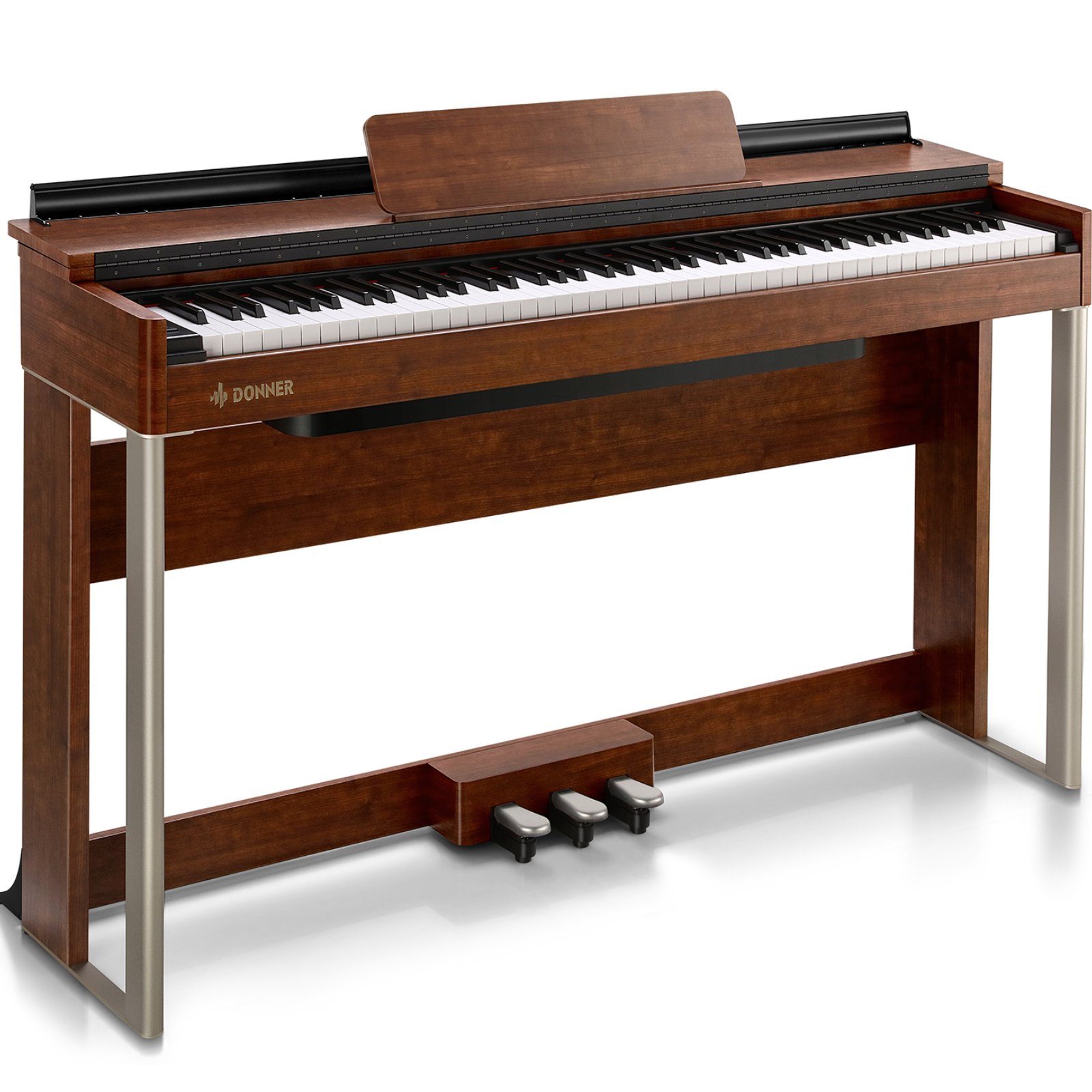
Donner DDP-200 MK2 Dedicated Piano Station

Pros
- Graded hammer action
- Three-pedal furniture setup
Cons
- 34.5 kg furniture instrument
For a teacher and learner comparing shared-keyboard layouts, Donner DDP-200 MK2 digital piano provides an equal-range teaching mode with 88 graded hammer-action keys. That makes it a relevant example when both players need a comparable register rather than an ordinary split into different sounds. Its two 6.35 mm headphone outputs also support private listening for two.
Two 6.35 mm headphone jacks allow both people to listen privately and bypass the internal speakers when headphones are inserted. The MK2 configuration includes the furniture support, anti-tip brackets and triple-pedal assembly. At 34.5 kg, it is a furniture instrument to place deliberately rather than move after each session.
Plan Headphones, Seating and Pedal Access
If a teacher and student both need private listening, check that each can connect headphones and sit comfortably. Two headphone outputs are useful for that task, but are not present on every piano. Try both seats and the route to the pedals rather than planning from the keyboard width alone.
Listen to a quiet phrase through speakers and the intended headphones. A voice count cannot show which listening arrangement works for your lesson.
Donner DDP-80 Simple Daily Piano Playing

Pros
- Weighted graded action
- Three-pedal unit
Cons
- Function changes use key combinations
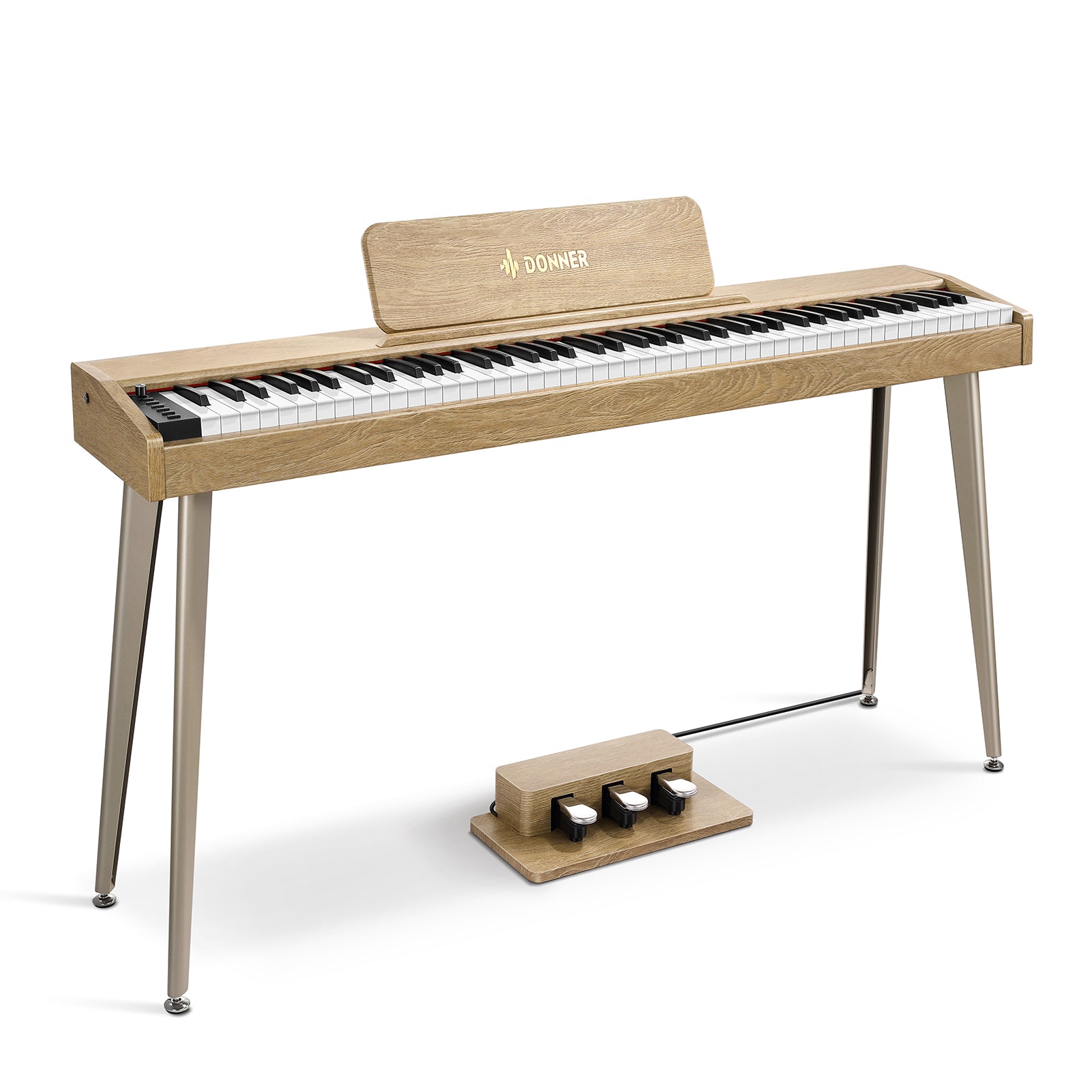
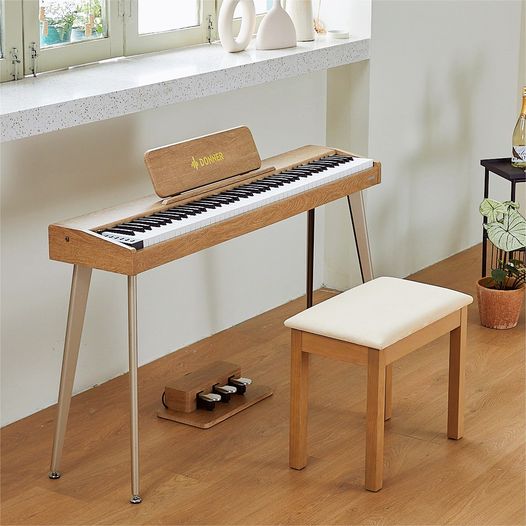
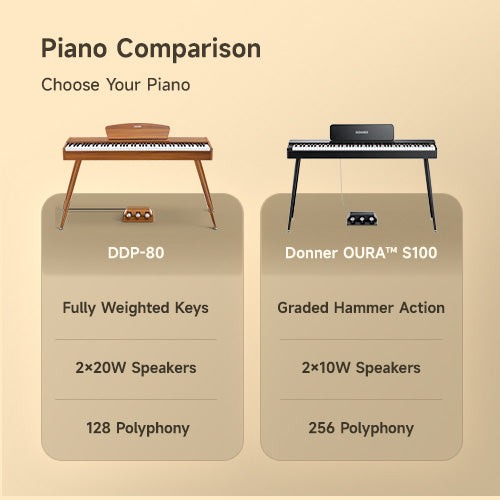
If household members take turns at a piano that stays assembled, Donner DDP-80 digital piano illustrates a focused furniture setup. Its 88 graded hammer-action keys and six tones suit a routine centred on playing rather than navigating a large sound library. The stand and three-pedal unit keep the playing position together.
The standard box lists the stand parts and three-pedal unit; the piano-only option excludes a bench. USB-MIDI sends playing information, while AUX output carries the instrument’s sound. Some function changes use pedal-and-key combinations, so the uncluttered controls are worth trying as a routine, not just judging by appearance.
Choose the Physical Format for the Shared Routine
A console can remain assembled for the next player, while a separate keyboard-and-stand arrangement may suit a room with another use. Consider how each person enters the seat, reaches the pedals and leaves the space after practice.
Compare the complete arrangement, including foot space and support. Portable, upright and stage labels describe formats; your shared routine determines which one is convenient.
Choose How to Record and Review Practice
A learner replaying a weekly passage may want internal recording and playback. A teacher editing notes on a computer needs performance data, usually described as MIDI. Recording the piano's actual sound is an audio task instead.
Choose the task first, then verify the exact model's function and connection. An internal recorder does not by itself establish computer audio recording, and MIDI sends playing information rather than the piano's sound.
Donner DEP-1S Flexible First Setup

Pros
- Full 88-key range
- Adjustable X-style stand
Cons
- Semi-weighted rather than hammer action
If reviewing a passage matters more than keeping a cabinet in place, Donner DEP-1S digital piano illustrates internal note recording and playback alongside a metronome. Its 88 semi-weighted keys and adjustable double-X stand create a different physical arrangement from the furniture options. The lighter mechanism remains a separate choice from those useful practice functions.
The standard kit lists an adjustable double-X stand, sustain pedal, music rest and adapter. Its 128 tones and 100 rhythms support exploring songs, while a metronome and internal note recording/playback give you ways to practise and listen back. The separate support allows a different room arrangement from a furniture piano.
Compare the Complete Shared Setup
Mark the support, bench, pedals, headphones and connection equipment as supplied, already available or missing. Add only the missing items required by your shared routine.
Compare exact configurations with the same purpose, then confirm that both players can use the resulting setup. A lower instrument price is not a saving if it leaves out equipment needed for each lesson.
Questions About Shared Piano Practice
Does Duet Mode Give Each Player Independent Pedal Control?
Not automatically. Dividing the keyboard does not establish separate pedal assignments or independent pedal hardware. Check how the exact instrument’s teaching mode handles the sustain pedal before planning two separate parts.
Can the Piano Remember Different Players’ Settings?
Only a model with the relevant user-memory or registration function can recall that setup. A teaching mode or two headphone sockets do not establish separate user profiles. If recall matters, identify which settings the exact model saves; otherwise keep a short written setup checklist.
Make the Shared Setup Checklist
Your final checklist should say who plays together, which keyboard mode serves them, how each person listens and where the pedals sit. Add the recording or connection task you need and confirm the selected bundle against that list. That gives you a shared practice setup rather than a collection of loosely related features.